You can change the design for the listing detail page of your site.
Follow these steps:
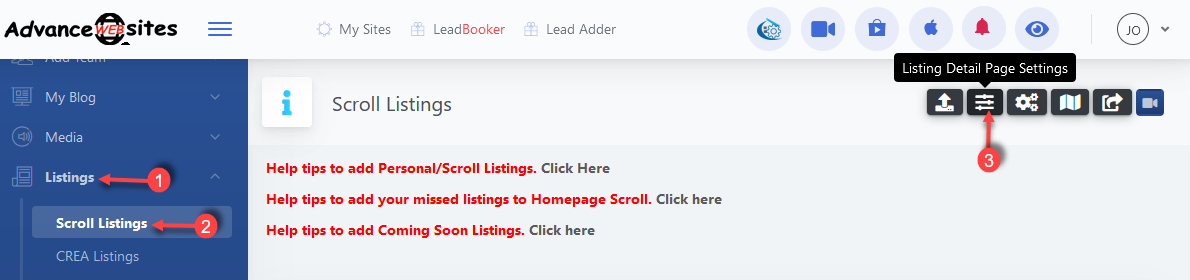
1) Click Listings
2) Click Scroll Listings
3) Click Listing Detail Page Settings
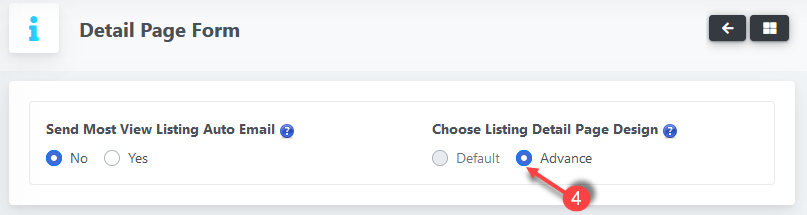
4) In Listing Detail Page Design
Choose Default or Advance.
Default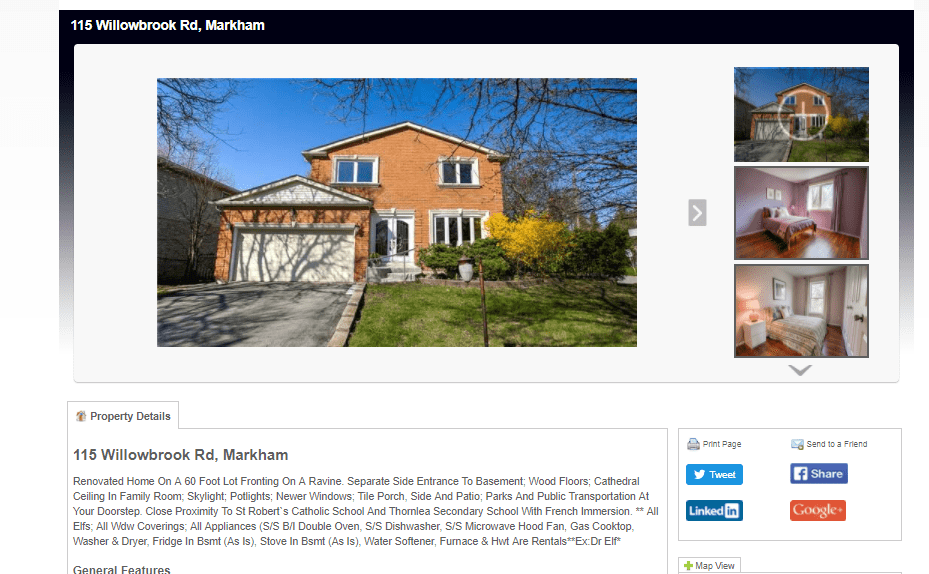
Advance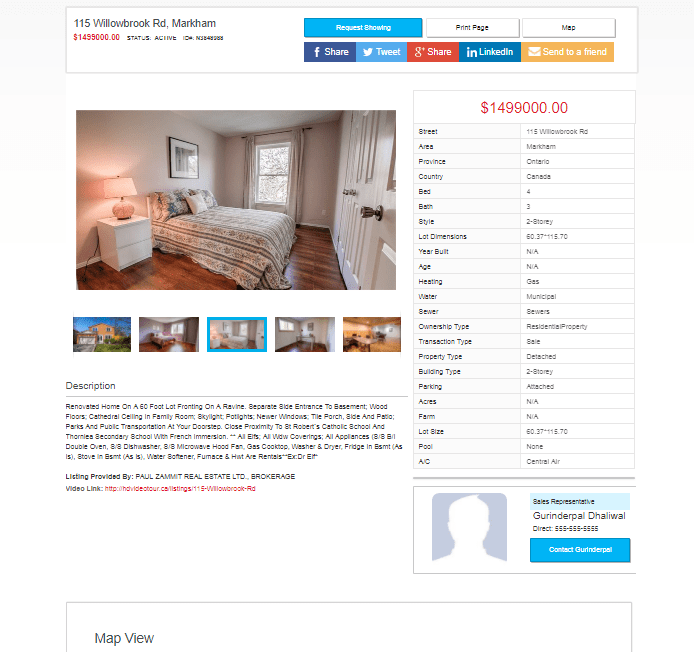

You can change the design for the listing detail page of your site.
Follow these steps:
1) Click Listings
2) Click Scroll Listings
3) Click Listing Detail Page Settings
4) In Listing Detail Page Design
Choose Default or Advance.
Default
Advance
Comments
0 comments
Please sign in to leave a comment.