
Follow the steps below to upload PDF files on content pages:
There is 2 way to add PDF file to the Content pages
Method 1: Upload with a pdf button
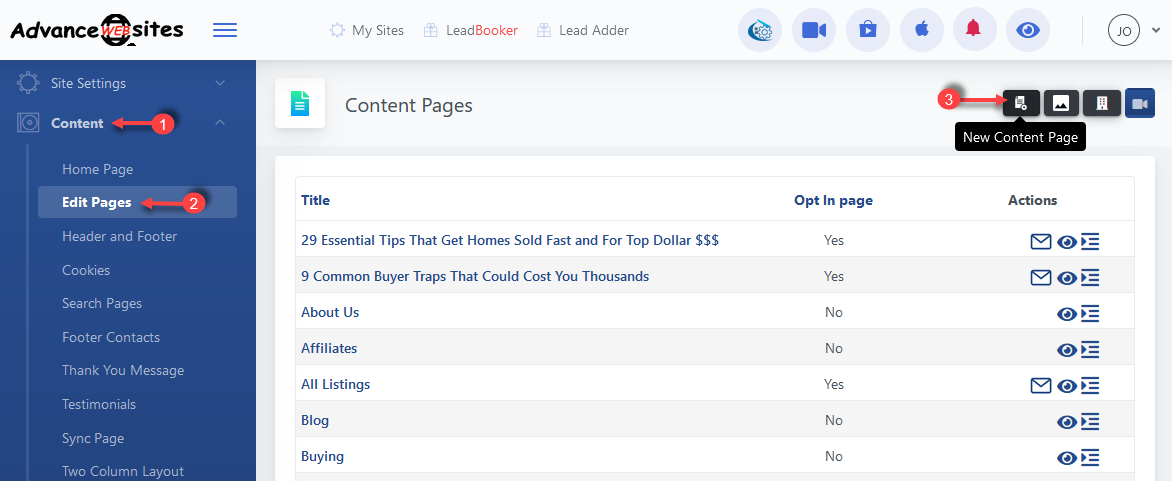
1) Click Content
2) Click Edit Pages
3) Then edit the page you want to add the PDF to or you can add a new page.
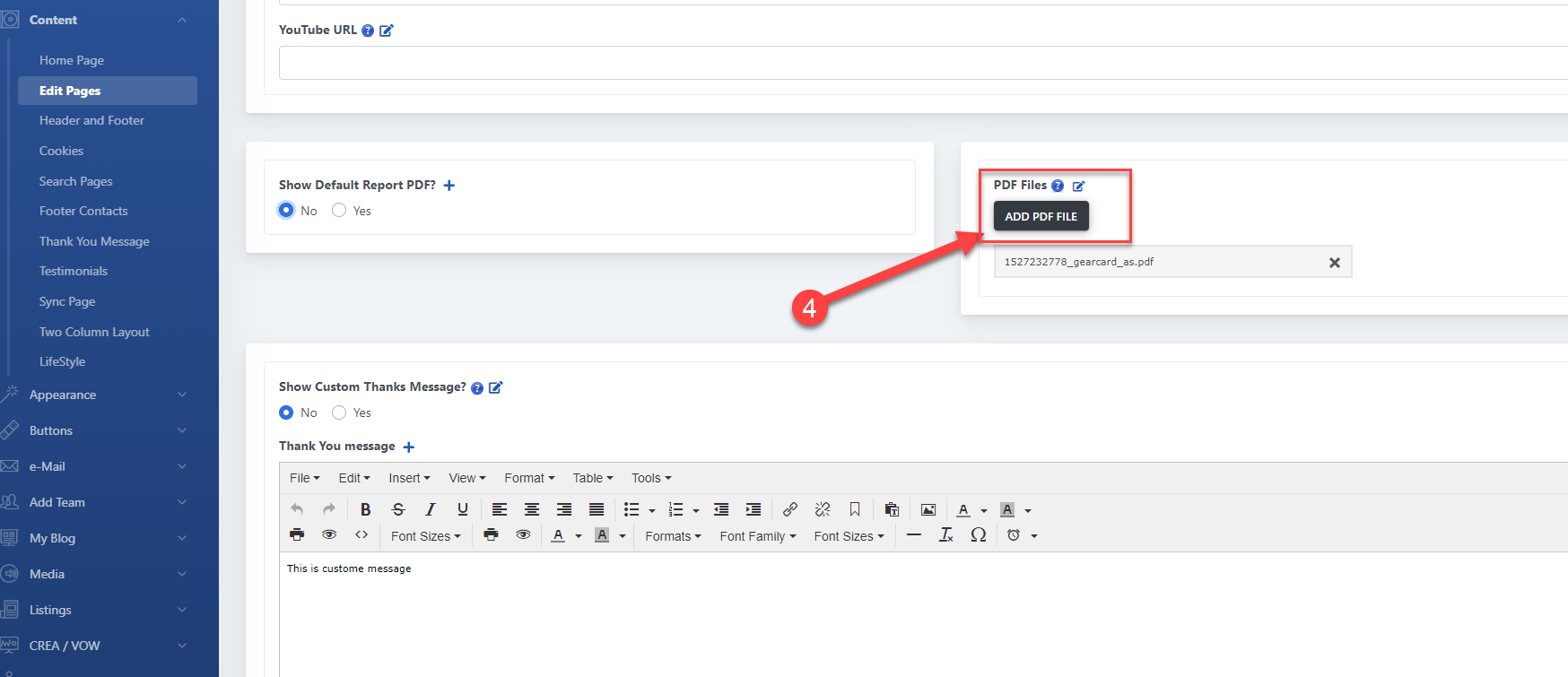
4) Then scroll down to the PDF File Section and click on the ADD PDF FILE button.
Method 2: Upload with the editor
1) Click Content
2) Click Edit Pages
3) Then edit the page you want to add the PDF to or you can add a new page.
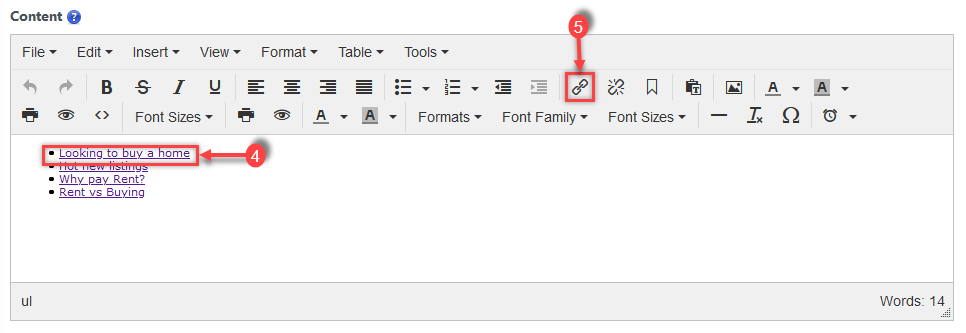
4) Select the links where you want to add the PDF file.
5) Click Insert/Edit Link in the editor toolbar.
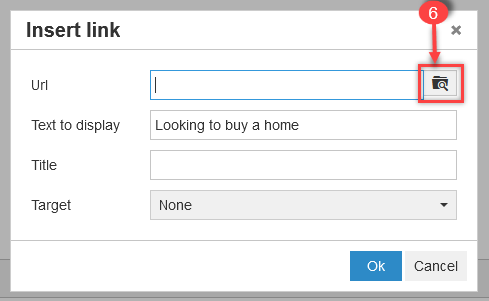
6) Click on folder icon of pop-up.
7) Click on Upload button of pop-up.
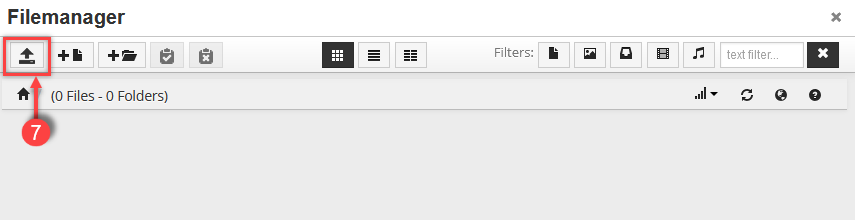
8) Click on Drop files here to upload pop-up.

9) Select the pdf file that you want to upload and click on the file when successfully uploaded.

10). Click Ok.
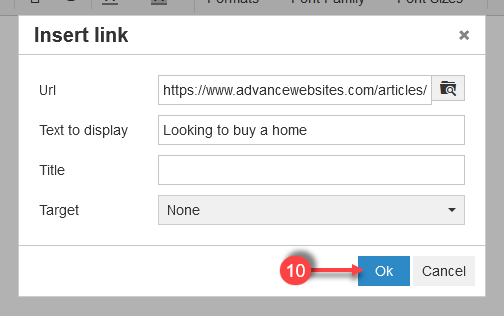
Click Save to save page settings.
Comments
0 comments
Please sign in to leave a comment.