
Follow the steps below to manage Lifestyle Locations:-
1) Click on Content
2) Then click on LifeStyle
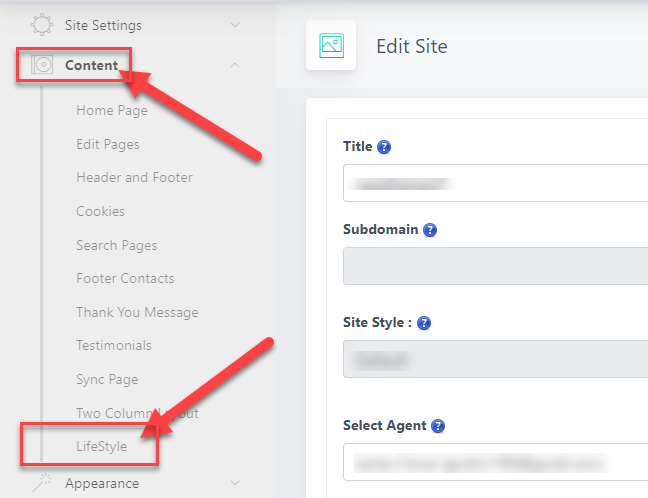
3) Then click on the Locations to manage locations.

4) Then click on the Add New to add a new location.

OR
You can also add the new locations When you add a new Lifestyle listing.
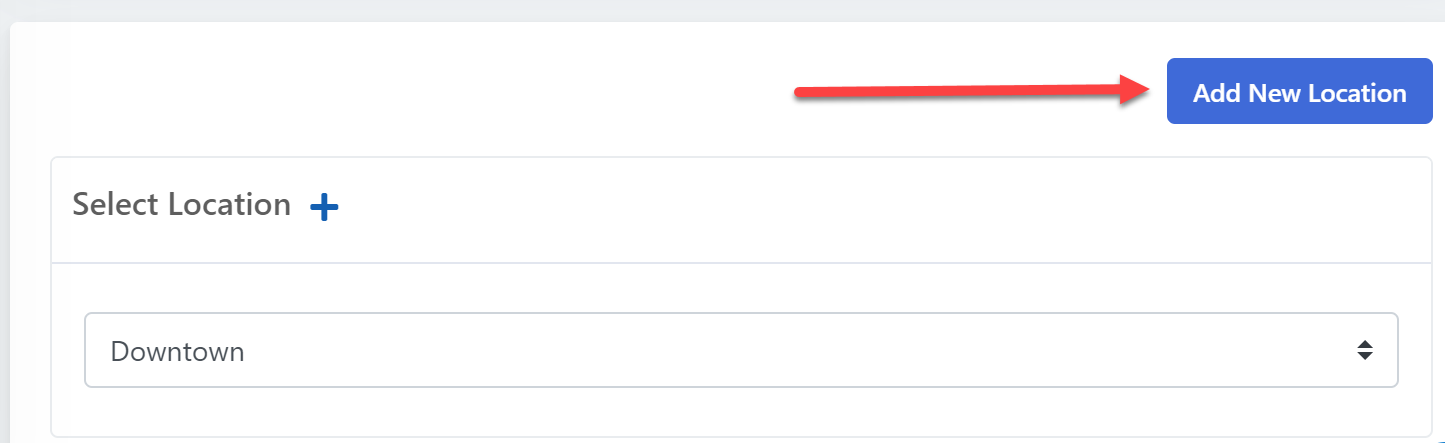
Then Scroll down to the Select Location and click on the Add New Location.
Here you can also assign a location to the LifeStyle by Selecting Location drop-down.
Here is the link below to add new LifeStyle listings.
How to add new LifeStyle listings to the site?
Comments
0 comments
Please sign in to leave a comment.