LeadBooker CRM allows you to delete Mass Leads.
To delete multiple lead's, follow these steps:
1. Go to Lead Booker CRM  Leads.
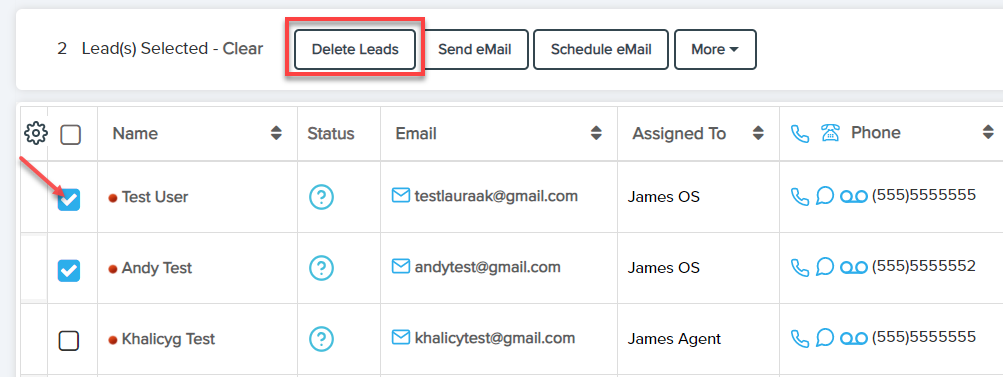
2. Select the Leads you want to delete.
3. Click on the 'Delete Leads' button.
As shown below:

LeadBooker CRM allows you to delete Mass Leads.
To delete multiple lead's, follow these steps:
1. Go to Lead Booker CRM Leads.
2. Select the Leads you want to delete.
3. Click on the 'Delete Leads' button.
As shown below:
Comments
0 comments
Please sign in to leave a comment.